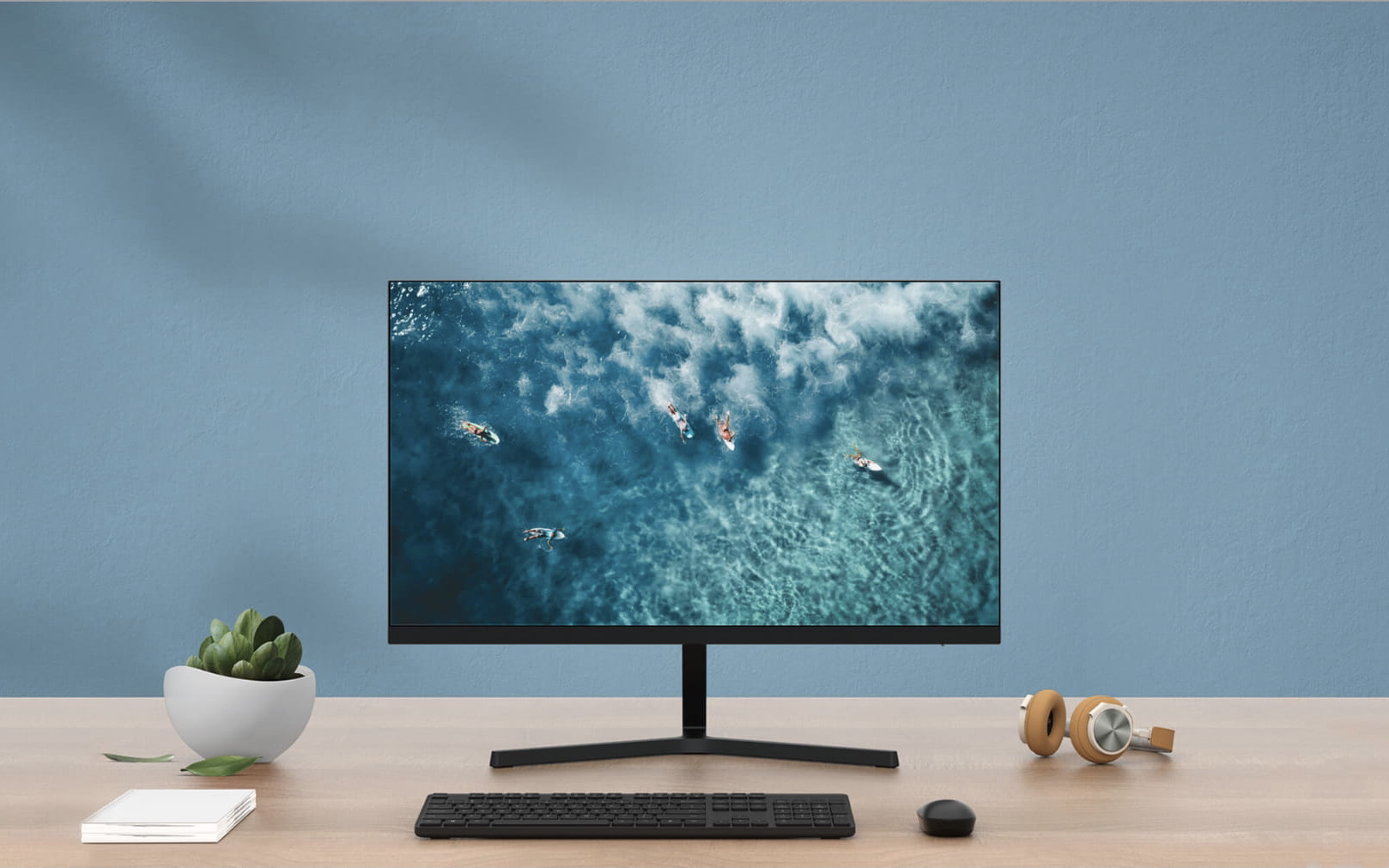
Mi 23.8" Desktop Monitor 1C Review
Christian Jabasa
September 4, 2021
I’ve been on the hunt for a good budget external display for a while now. I could’ve bought one from the usual manufacturers but a Xiaomi one caught my eye. I’m talking about the Mi 23.8” Desktop Monitor 1C. It sports a clean aesthetic and costs Php. 6,990.00 but is it enough for someone who’s so used to Retina displays?
Quick Review
Design and Build
I like the design of this monitor. It has slim bezels only interrupted by its chin. The metal stand is pretty hefty despite its petite appearance. It does however easily rock the display at the slightest desk bumps.
I/O
The 1C has sparse I/O: VGA and HDMI are all you get. There also aren’t any built-in speakers. An omission I will forgive since these tend to sound like crap anyway. I also have no idea what version of HDMI this has, but frankly, I don’t care since this is just a 60Hz Full HD panel.
Image Quality
Okay, comparing the 1C to any Retina display isn’t fair.
Let’s start with its 1080p resolution. Full HD is definitely easier to push but at 24-inches we’re approaching the limits of 1920x1080. Images and UI elements do look reasonably sharp if you sit roughly half a meter away from it. However, macOS really doesn’t render text that well on anything but a Retina display ever since the removal of sub-pixel antialiasing several years back. Text should be fine on Windows with its very agressive ClearType hinting. Size-wise, the expanse really does allow more room for your open programs. A definite game-changer for someone who’s rocked a single laptop screen for years.
But while there’s a size advantage, bigger isn’t always better. The IPS panel deliveres so-so contrast and saturation. The display is also matte so it fares well in brightly-lit environments but does contribute to muted colors.
Workflow Integration
I don’t multitask. In the few months I’ve had this monitor connected to my laptop and used it as its primary display, all my open programs were in one screen. I really tried to get into the whole writing code on one screen and seeing the results on another but I could just not get used to it. I really liked the added acreage for all my open programs though.
Verdict
As someone who stares at a walls of text all day, I really can’t recommend getting any 1080p displays. There’s no going back to low-DPI screens after experiencing Retina. If you’re in the same boat as I am, save your money for a 4K monitor. Your eyes will thank you.